Cloud or On-Premise DAST: Choose the Right VulnSign Deployment
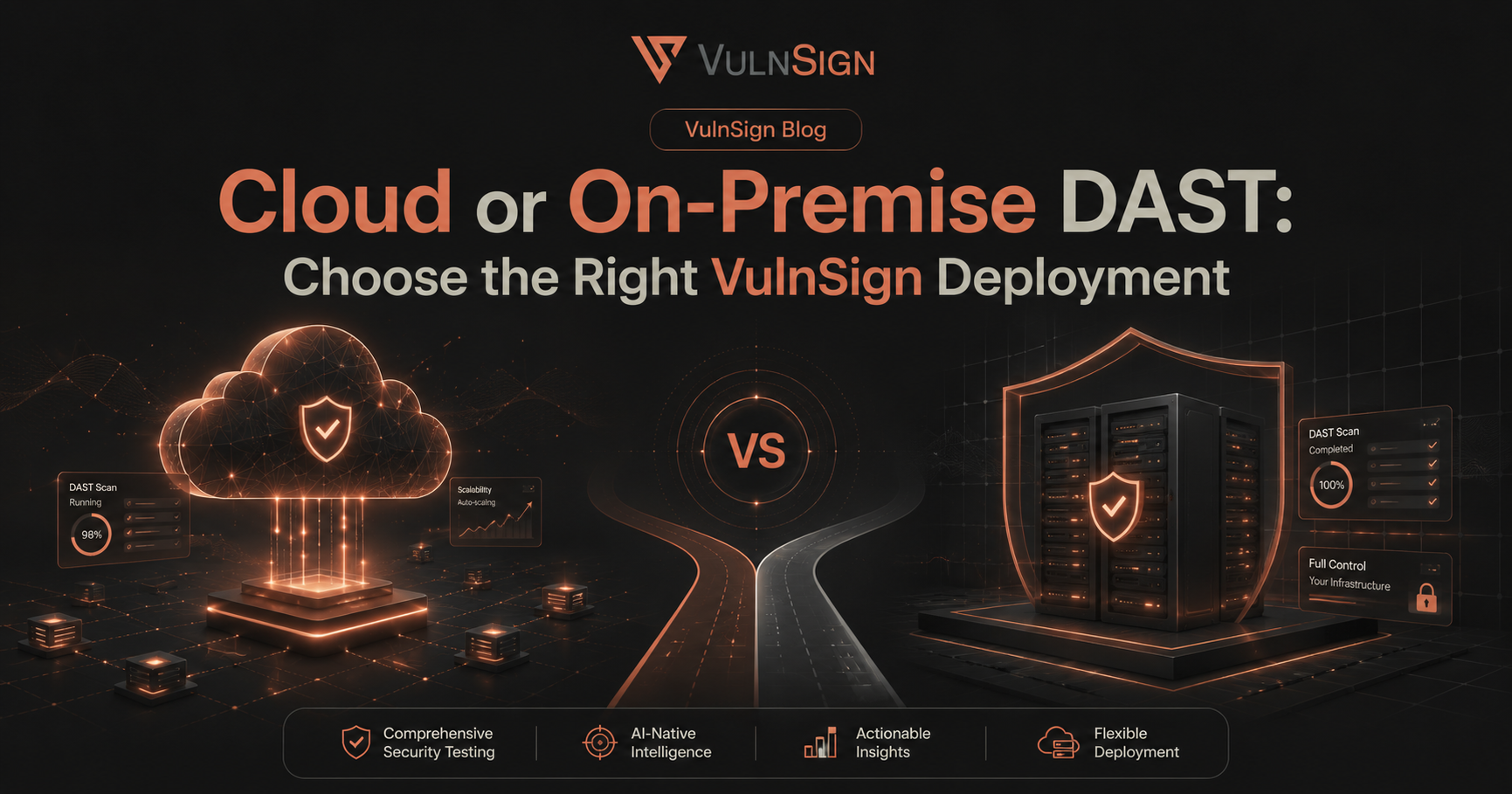
One platform, two operating models
Application security teams should not have to reshape their security program around a scanner. VulnSign is available as VulnSign Cloud and as an on-premise deployment, so teams can choose where the control plane, scan traffic, credentials, and evidence live.
When Cloud is the best fit
VulnSign Cloud reduces infrastructure work and gives distributed teams a fast route to a shared workspace. VulnSign manages platform updates while your team focuses on targets, policies, findings, and remediation.
Choose Cloud when you prioritize:
- Rapid onboarding without maintaining platform infrastructure
- Straightforward collaboration across locations
- Managed updates and predictable platform availability
- Elastic capacity for changing scan schedules
When on-premise is the best fit
On-premise keeps the platform inside infrastructure you control. This model is especially useful for isolated networks, strict data-residency requirements, internal applications, and environments where scan traffic cannot leave a defined boundary.
Choose on-premise when you need:
- Local custody of credentials, HTTP traffic, and vulnerability evidence
- Access to private applications without exposing them publicly
- Organization-controlled maintenance and change windows
- Deployment in restricted or disconnected networks
Keep the security workflow consistent
The deployment decision should not split your operating model. VulnSign brings automated DAST, real-browser crawling, manual testing, reporting, retesting, and team workflows together across both options. Teams can select the infrastructure model that fits policy without sacrificing the testing workflow.
A practical decision checklist
Start with data classification, network reachability, identity requirements, update ownership, and capacity planning. Then map these requirements to the edition capabilities on the pricing page. For hybrid organizations, discuss scanner placement and architecture with the VulnSign team before rollout.
Related Articles
Explore more insights, strategies, and perspectives related to this topic.
Questions before you scan?
Learn how VulnSign fits into your environment, security workflow, and team.

Put automated and manual testing in one workflow.
See how VulnSign helps your team discover more attack surface, validate risk, and move findings to remediation—without sending security data to a cloud control plane.